July 2, 2026 · 1 min read
Integrations: When ERP, CRM and Accounting Do Not Talk
Duplicate data entry is a symptom. Good integrations connect existing systems and often save more than a new tool.

Tillmann
Founder of TFLIT
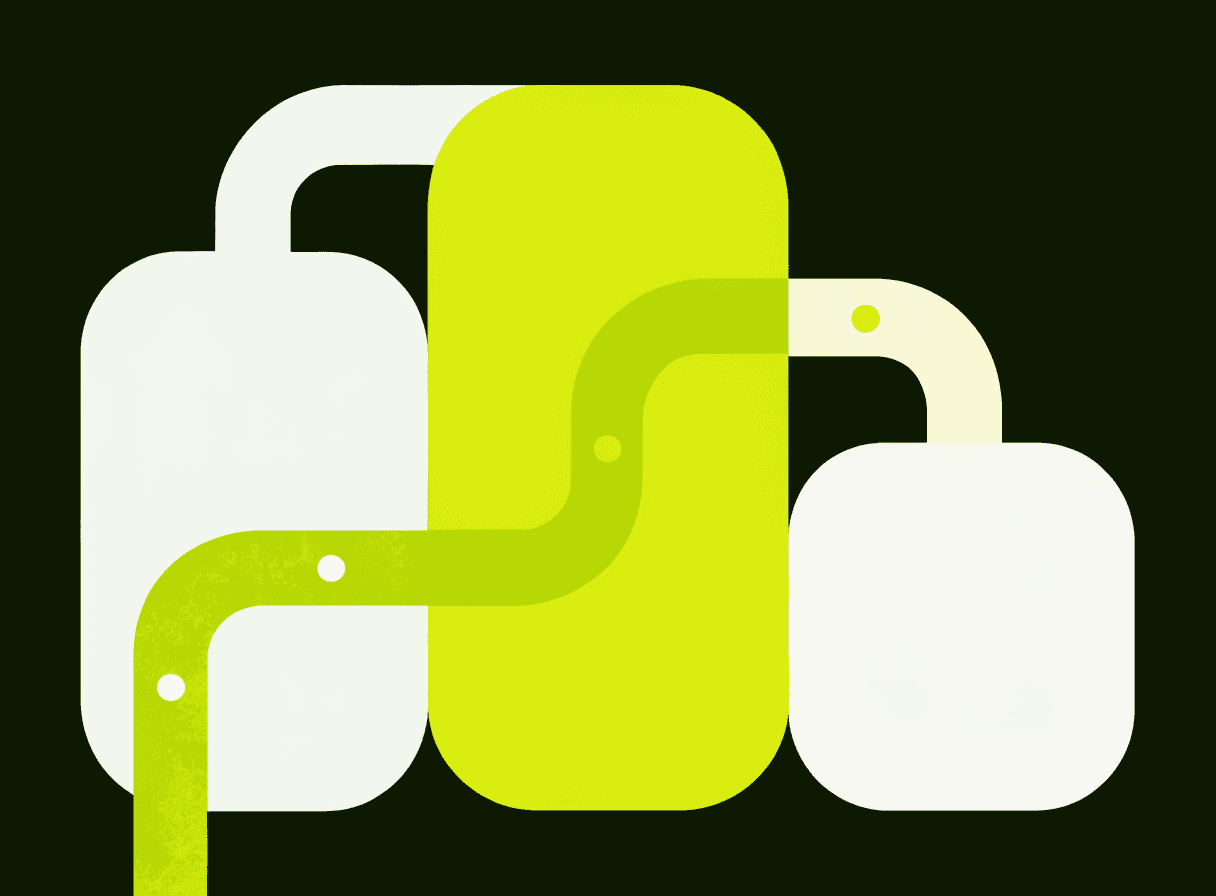
Many software problems in SMEs are integration problems. The CRM knows the customer, accounting knows the invoice, inventory knows the stock, and in between someone copies data manually. If this happens daily, it becomes expensive.
A good integration is often less visible than a new app, but much more effective.
Duplicate entry is the warning sign
When the same information is maintained in two systems, risk appears automatically: typos, outdated records, forgotten changes and inconsistent reports. The question is not who should be more careful. The question is why people have to copy data at all.
Clarify data flow before building an API
An integration is not an end in itself. First clarify which system is the source of truth, where records are created, who may change them, what happens on errors, how duplicates are handled and how successful transfers are logged.
These questions decide whether the integration creates order or just moves chaos faster.
Start with one transition
You do not have to reorganize the whole system landscape at once. Often the best first step is the transition with the highest manual effort: for example, turning an accepted quote into an order and later an invoice draft.
Conclusion
When people copy data between systems, there is usually automation potential. Good integrations connect existing tools instead of replacing everything. For many companies, that is the most pragmatic first step toward better software.
Frequently asked questions
How do I know that my company needs integrations?+
The clearest warning sign is duplicate data entry: the same information is maintained in two systems. That automatically creates risk through typos, outdated records, forgotten changes and inconsistent reports. Typical candidates are quotes from the CRM copied manually into invoices, webshop orders imported into inventory via CSV, customer master data that differs between systems, status information tracked by email, and reports built by copy and paste from several sources. As long as this happens rarely, it barely shows. When it happens daily, it becomes expensive. The right question then is not who should be more careful, but why people have to copy data at all.
What needs to be clarified before building an integration?+
Before any technical work, the data flow must be clear, because an integration is not an end in itself. The central questions: which system is the source of truth? Where is the record created? Who may change it? What happens on errors? How are duplicates detected? And how is a successful transfer logged? These questions decide the quality of the integration. An API can move data quickly, but only a clean data flow prevents chaos. Security and traceability belong in from the start as well: authentication, logging, permissions and error notifications. A visible failure state is especially important, because an integration that fails silently is more dangerous than a manual process where a problem gets noticed.
Does a system integration have to rebuild the whole IT landscape at once?+
No, an integration project does not have to reorganize the entire system landscape immediately. It is often enough to start with the one transition that causes the highest manual effort. One example: an accepted quote automatically becomes an order in the inventory system and later an invoice draft in accounting. Once this flow runs stably, further systems can be connected. For many companies this is the most pragmatic first step toward better software: not yet another tool, but less friction between the tools that already exist. Good integrations connect existing systems instead of replacing everything, and they are often more effective for the business than a new, visible app.
Tillmann · TFLIT
Builds software for companies, universities and the public sector in Baden-Württemberg.