July 2, 2026 · 1 min read
When a Spreadsheet Should Become Custom Software
Spreadsheets are often the best prototype and eventually the biggest risk. A practical guide for grown spreadsheet workflows.

Tillmann
Founder of TFLIT
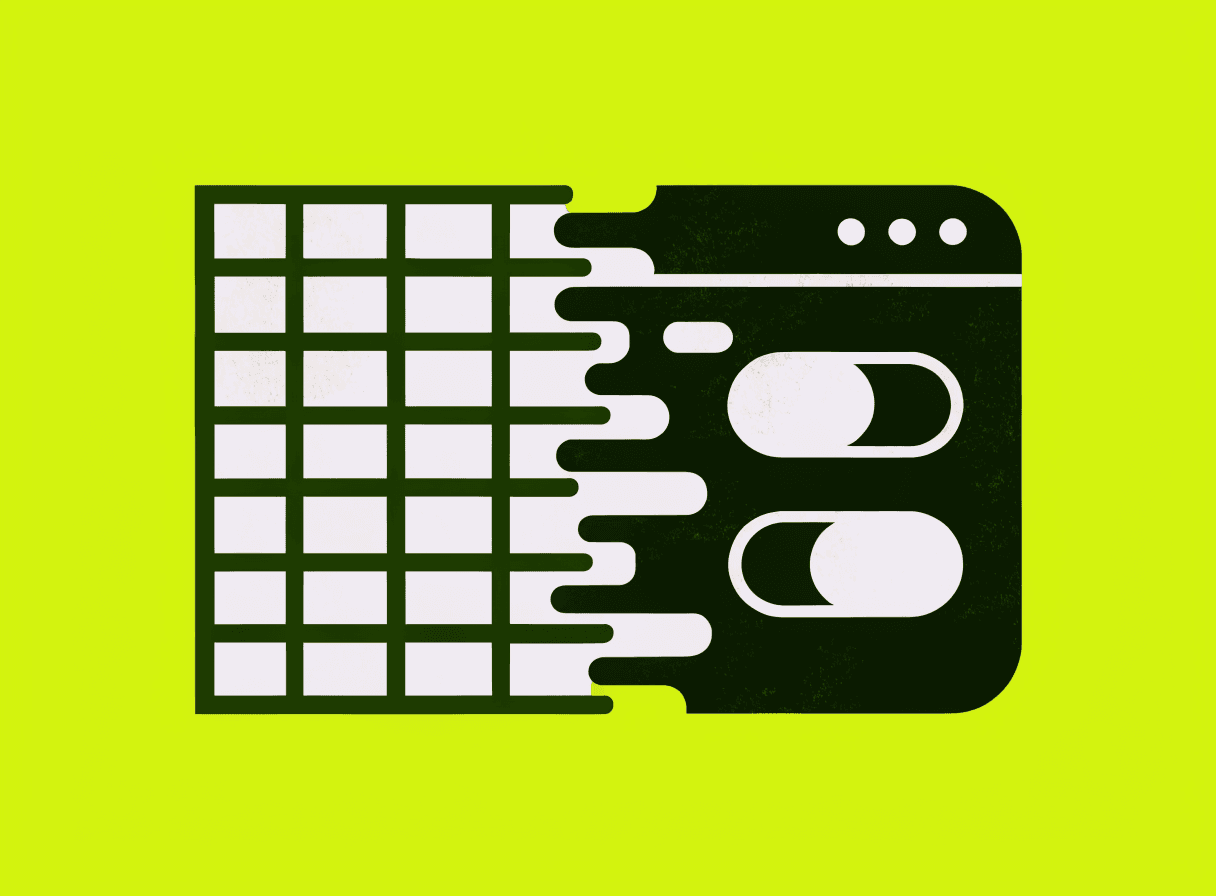
Almost every company has one file like this: important, familiar, fragile, and central to a workflow. The spreadsheet is not the mistake. It is often the best prototype, because teams can quickly test what they need.
The problem begins when the temporary solution becomes business-critical.
Spreadsheets work while the process is small
For calculations, simple lists, imports, analysis and quick prototypes, spreadsheets are hard to beat. Many good software projects begin as a spreadsheet because the real data and rules become visible there.
The turning point is not a specific number of rows. It arrives when control becomes more important than flexibility.
Warning signs
Custom software becomes worth considering when there are several file versions, multiple people edit the same process, permissions and history are missing, one wrong formula can cause real damage, data is copied manually into other systems, or new staff need weeks to understand the logic.
At that point the topic is not technical taste, but operational reliability.
What custom software improves
A clean application does not simply replace cells with forms. It models responsibility, data quality and workflow: roles and permissions, validation, history, interfaces to CRM or accounting, and one central source of truth.
The biggest win is often not a prettier interface, but less manual coordination.
You do not have to replace everything at once
Often Excel can stay at the edges while the critical core becomes a small web app. For example, calculation may remain familiar, while approval, versioning and handover to invoicing move into software.
Conclusion
Spreadsheets are excellent tools, but poor foundations for critical processes with several users, permissions and integrations. If a file has become the quiet center of your operations, it is worth asking what should stay, what needs to become safer, and which first step removes friction immediately.
Frequently asked questions
How do I know when a spreadsheet should be replaced by software?+
A switch becomes worth considering when several warning signs apply at the same time. These include multiple file versions where nobody knows which one is current, several people editing in parallel while permissions and history are missing, formulas whose errors can damage a quote, an invoice or a plan, data being copied manually into other systems, and new staff needing a long time to understand the logic. Once a file error can cause real costs, the topic is no longer technical taste but operational reliability. The turning point does not depend on a specific number of rows. It arrives when control over the process becomes more important than the flexibility of the spreadsheet.
What does custom software do better than a spreadsheet?+
Custom software models responsibility, data quality and workflow instead of simply replacing cells with forms. In practice that means roles and permissions define who may see and change what. Validation catches faulty entries early. A history keeps changes traceable. Integrations let data flow automatically into CRM, ERP, accounting or reporting. And one central source of truth ensures everyone works with the same state instead of competing file versions. The biggest win is often not a prettier interface, but the end of manual coordination: no copying by hand, no uncertainty about the current state, fewer follow-up questions. These are exactly the qualities a grown spreadsheet lacks once several people and critical processes depend on it.
Does Excel have to be replaced completely, or is a partial switch enough?+
A partial switch is often enough, and the big cut is rarely the best path. Excel can frequently stay useful at the edges while the critical core of the process moves into a small web app. One example: the quote calculation stays in the familiar spreadsheet at first, but approval, versioning and the handover to invoicing run through an application with permissions and history. That creates safety exactly where it counts, without changing every habit at once. A sober review helps: what should stay, what needs to become safer, and which first step removes friction immediately? For calculations, simple lists and quick analysis, spreadsheets remain excellent tools anyway.
Tillmann · TFLIT
Builds software for companies, universities and the public sector in Baden-Württemberg.